HubSpot CRM Card Migration
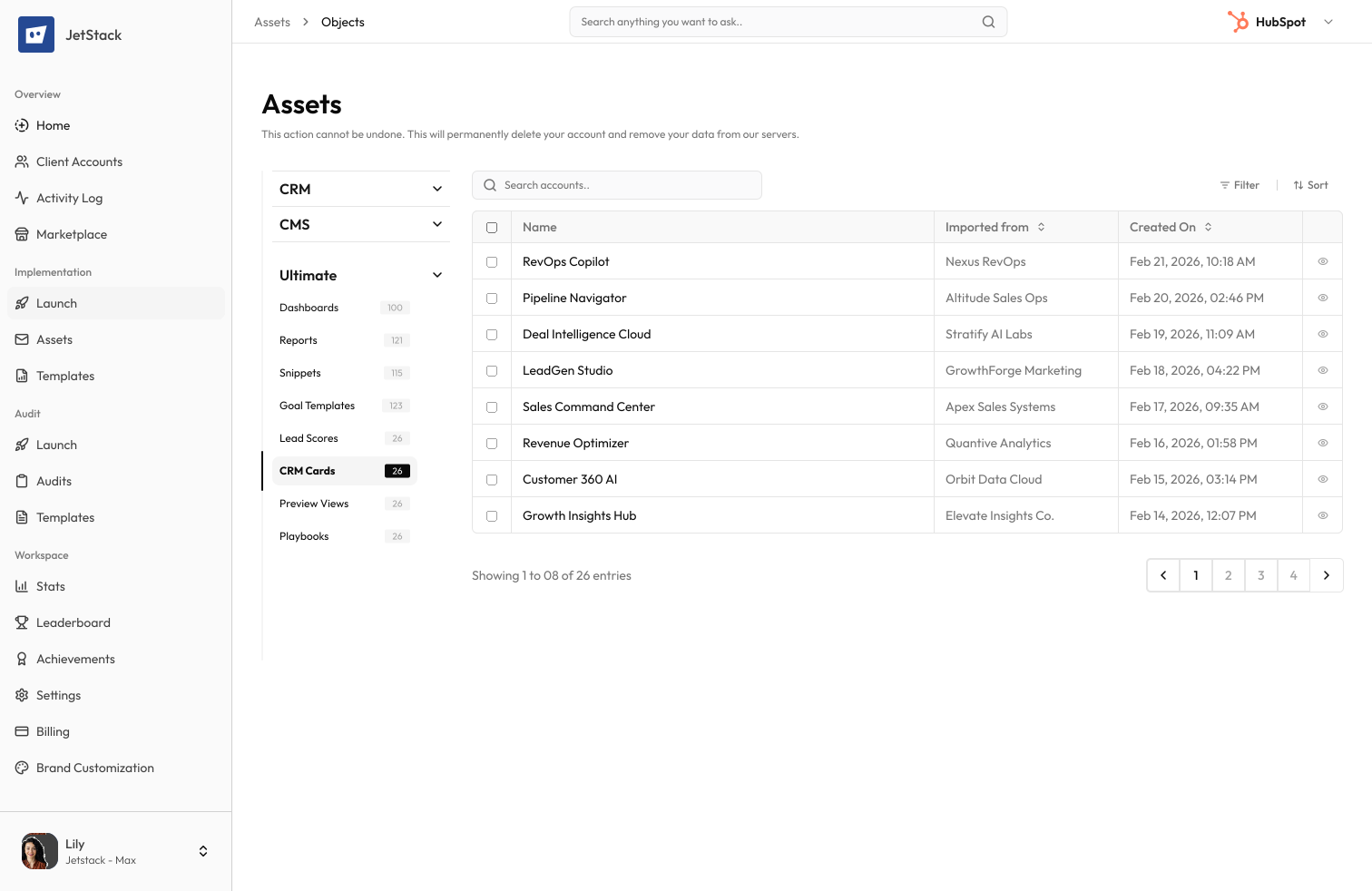
Card configurations. Data sources preserved. Custom actions intact.
The challenge
Custom CRM cards extend HubSpot record views with external data, custom actions, and tailored layouts. Rebuilding them requires re-entering every configuration, data source, and display rule.
Complex configurations
Each CRM card has data fetch URLs, authentication settings, display properties, and action buttons. Recreating them is time-consuming and error-prone.
External data sources
CRM cards fetch data from external APIs. URL endpoints, authentication tokens, and response mappings must be reconfigured.
Display rules
Card display conditions, property mappings, and formatting rules must be recreated exactly for cards to render correctly.
No transfer tool
HubSpot provides no way to export or transfer CRM card configurations between portals.
How JetStack AI migrates CRM cards
JetStack AI transfers custom CRM card configurations including data sources, display rules, actions, and object associations.
Configuration transfer
Card titles, data fetch configurations, display properties, and action definitions are migrated completely.
Data source mapping
External API endpoints and response property mappings are transferred. Authentication credentials are flagged for manual update.
Object associations
Card placements on contact, company, deal, and ticket records are preserved.
Action preservation
Custom action buttons, iframe actions, and confirmation dialogs are recreated.
The result
JetStack AI migrates your CRM cards so record views stay customized.
How it works
Scan CRM cards
JetStack AI reads all custom CRM card configurations — data sources, display rules, actions, and placements.
Map references
Property references and object associations are validated against the destination portal.
Create cards
CRM cards are created with correct configurations, display rules, and object placements.
Verify and report
Cards are validated for correct rendering. Authentication credentials are flagged for manual update.
The difference JetStack AI makes
Before JetStack AI, migrating CRM cards meant screenshotting configurations and manually recreating each card. Display rules were misconfigured and action buttons were missed. With JetStack AI, your CRM cards migrate intact.
Migrate your CRM cards and keep record views customized.
Ready to migrate your CRM cards?
Get startedFrequently asked questions
Are developer CRM cards (custom cards) supported?
Yes, both standard CRM cards and developer-built custom cards are supported.
What about authentication credentials?
API keys and OAuth tokens are flagged for manual configuration in the destination. Credentials are never transferred directly.
Are card placements on custom objects supported?
Yes, card placements on standard and custom object records are preserved.
Less busywork. More delivery, everywhere.
See how JetStack AI turns weeks of manual ops into minutes.
Book a demo now. No commitment, no sales pitch.