HubSpot Dashboard Migration
Layout preservation. Report reconnection. Permission transfer.
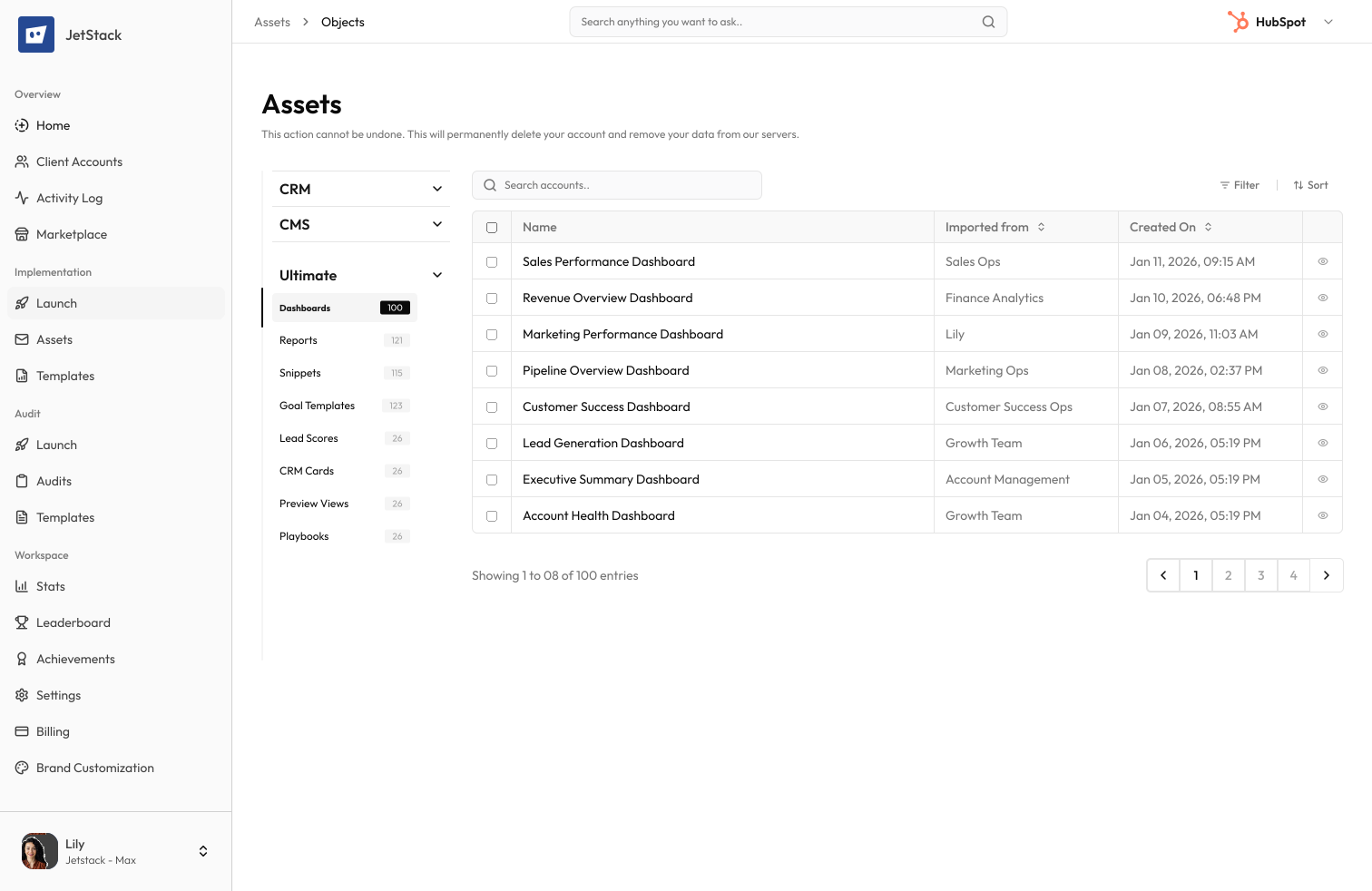
The challenge
HubSpot dashboards aggregate reports into management views. Migrating dashboards means recreating layouts, reconnecting reports, and reconfiguring permissions — a process that depends on all underlying reports being migrated first.
Layouts must be manually recreated
Dashboard layouts — report positions, sizes, and grid arrangements — cannot be exported. Each dashboard must be visually recreated in the destination.
Report connections break
Dashboards reference specific reports by ID. When reports are migrated, dashboard connections must be updated to reference the new report IDs.
Permission settings are lost
Dashboard visibility (everyone, specific teams, owner only) must be reconfigured. Team and user references differ between portals.
Dashboard filters are not portable
Dashboard-level date filters and property filters must be recreated with destination property references.
How JetStack AI migrates dashboards
Layout preservation
Dashboard grid layouts — report positions, sizes, and arrangements — are transferred exactly. Dashboards look identical in the destination.
Automatic report reconnection
Reports migrated alongside dashboards are automatically connected. Report references are updated to destination IDs without manual intervention.
Permission migration
Dashboard visibility and team-based access settings are transferred. User and team references are mapped to destination equivalents.
Filter transfer
Dashboard-level date filters, property filters, and user filters are migrated with property reference validation.
The result
JetStack AI migrates dashboards with complete layouts, report connections, and permissions.
How it works
Migrate reports first
Dashboard reports are migrated with property mapping and filter validation. Reports are verified before dashboard assembly.
Create dashboards
Dashboards are created with matching grid layouts. Reports are placed in their correct positions and sizes.
Configure permissions
Dashboard visibility and team access are set based on source permissions. User and team references are mapped automatically.
Validate and compare
Destination dashboards are compared to source layouts. Missing reports and layout differences are flagged.
The difference JetStack AI makes
Before JetStack AI, migrating 10 management dashboards with 80+ reports required a full week — reports first, then dashboard layouts, then permissions. Report disconnections were common. With JetStack AI, reports and dashboards migrate together with automatic reconnection.
Migrate dashboards with all reports connected.
Ready to migrate your dashboards?
Get startedFrequently asked questions
Are report positions preserved exactly?
Yes. Report grid positions, column spans, and row positions are replicated exactly. The destination dashboard matches the source layout.
What if some reports fail to migrate?
Dashboards are created with placeholders for failed reports. A report shows which reports need manual attention so the dashboard is still usable.
How are dashboard permissions handled?
Visibility settings (everyone, specific teams, owner only) are transferred. Team and user references are mapped to destination equivalents.
Can I migrate dashboards without their reports?
Dashboard definitions can be migrated as templates, but reports must exist in the destination for the dashboard to display data.
What about embedded external content?
External URL widgets and embedded content are migrated with their source URLs preserved. Destination-specific URLs can be updated during migration.
Less busywork. More delivery, everywhere.
See how JetStack AI turns weeks of manual ops into minutes.
Book a demo now. No commitment, no sales pitch.