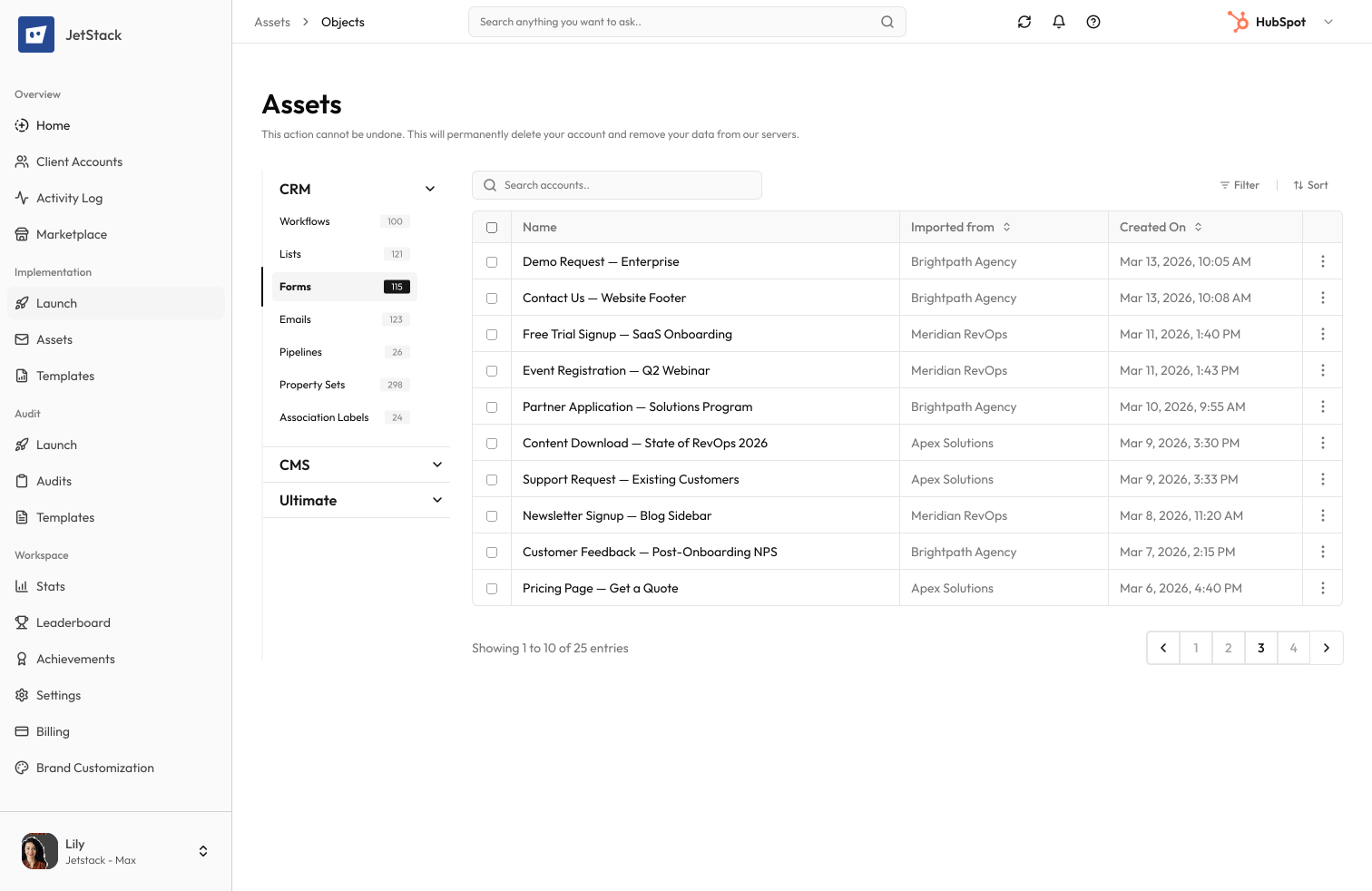
HubSpot Form Migration
Field mapping preservation. Submission logic transfer. Dependent field support.
The challenge
HubSpot forms are more than field collections — they include progressive profiling, dependent fields, submission actions, and styling. Recreating forms manually means rebuilding every configuration and risking missed settings that break lead capture.
Complex form logic must be rebuilt
Progressive profiling queues, dependent field logic, and multi-step configurations cannot be exported. Each form must be recreated with all its logic intact.
Submission actions break
Forms trigger workflows, send notifications, and redirect to thank-you pages. These post-submission actions reference portal-specific objects that do not exist in the destination.
Property mapping errors
Forms map to contact properties. When destination properties have different internal names or types, form submissions silently fail to populate the correct fields.
Styling must be recreated
Custom form CSS, embed codes, and styling options are portal-specific. Every form must be restyled in the destination to match the original appearance.
How JetStack AI migrates forms
JetStack AI transfers forms with complete field configurations, submission logic, progressive profiling, and styling — all with pre-migration validation.
Complete form transfer
Every field, field group, progressive profiling queue, dependent field rule, and multi-step configuration is transferred exactly as configured in the source.
Submission action migration
Post-submission workflows, notifications, thank-you redirects, and lifecycle stage changes are migrated with dependency resolution.
Property mapping validation
Form fields are mapped to destination properties with type validation. Mismatches — wrong property types, missing properties — are flagged before migration.
Style preservation
Custom CSS, embed configurations, and form styling are transferred. Forms render identically in the destination portal.
The result
JetStack AI migrates forms with complete logic preservation and validated property mapping.
How it works
Analyze forms
JetStack AI scans all forms — fields, logic, submission actions, and property mappings. Dependencies on workflows and pages are identified.
Validate mappings
Form fields are mapped to destination properties. Missing or mismatched properties are flagged for resolution before migration.
Migrate with logic
Forms are created in the destination with complete field configurations, progressive profiling, and submission actions.
Test and verify
Each form is rendered and tested. Submission paths are validated to ensure data flows to the correct properties and triggers.
The difference JetStack AI makes
Before JetStack AI, migrating 30 forms with progressive profiling and dependent fields took a full week. Each form required manual field recreation, logic rebuilding, and submission action reconnection. With JetStack AI, all forms migrate in minutes with validated logic and property mappings.
Migrate every form — logic and styling intact.
Ready to migrate your forms?
Get startedFrequently asked questions
Are progressive profiling forms supported?
Yes. Progressive profiling queues, field display rules, and already-known field behavior are all preserved during migration.
What about dependent fields?
Dependent field chains — including multi-level dependencies — are fully transferred. Field visibility rules and conditional logic are preserved exactly.
How are submission actions handled?
Post-submission workflows, email notifications, thank-you page redirects, and lifecycle stage changes are migrated. Dependencies on portal-specific objects are resolved automatically.
Can I migrate forms that are embedded on external sites?
Yes. Form definitions are migrated with updated embed codes. The embed code for the destination portal is generated automatically.
What about GDPR consent fields?
GDPR consent checkboxes, legitimate interest settings, and privacy text are all migrated as part of the form configuration.
Less busywork. More delivery, everywhere.
See how JetStack AI turns weeks of manual ops into minutes.
Book a demo now. No commitment, no sales pitch.