HubSpot HubDB Table Migration
Schema preservation. Row data transfer. Dynamic page support.
The challenge
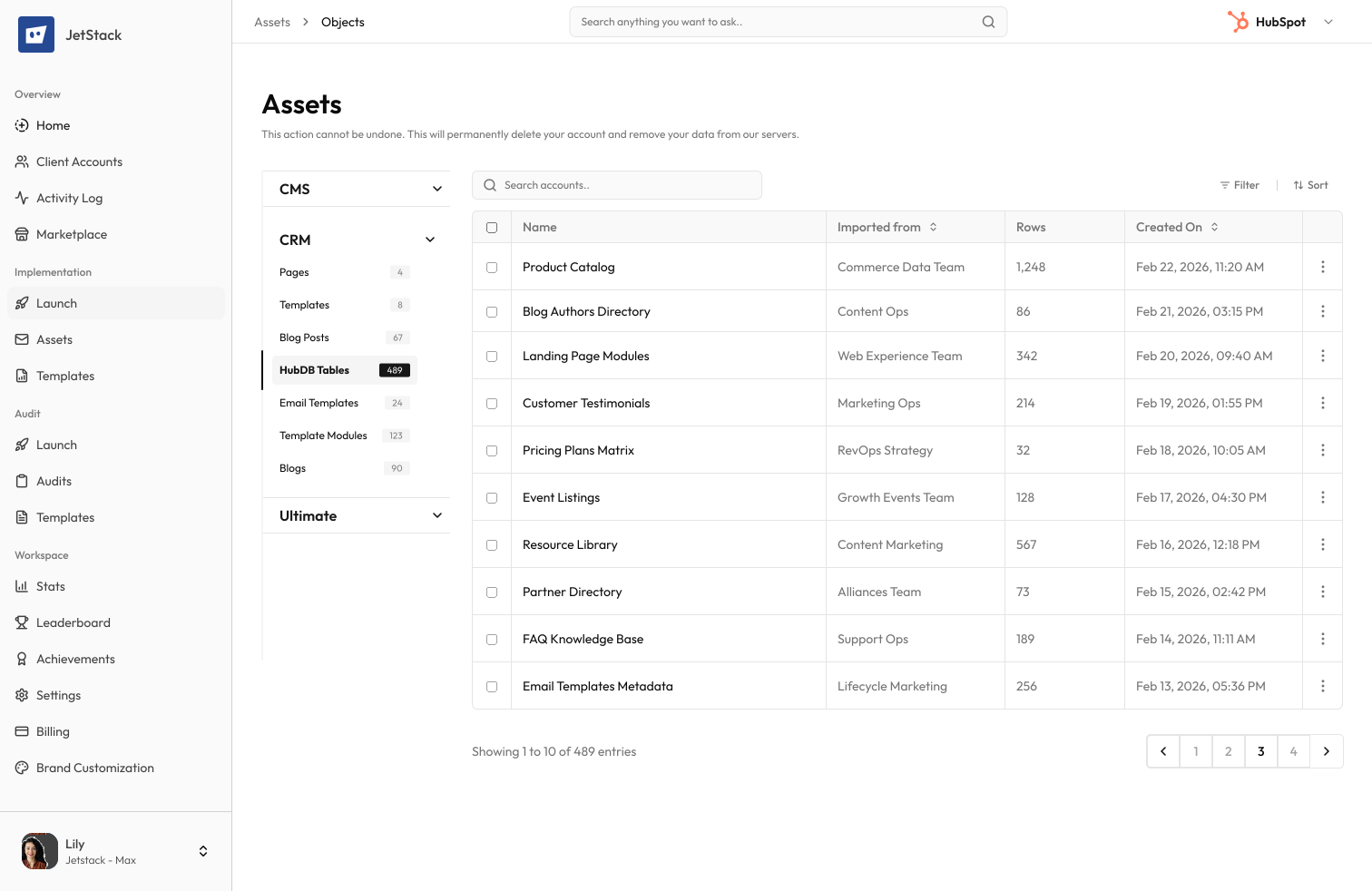
HubDB tables store structured data that powers dynamic pages, listings, and lookup modules. Migrating them means transferring column schemas, row data, and dynamic page configurations.
Complex schemas to recreate
Each table has typed columns — text, number, date, select, multi-select, image, video, URL, and rich text. Each column must be recreated with the correct type and options.
Row data is tedious
Tables with hundreds of rows must have data re-entered or imported via CSV. Complex column types like images and rich text do not export cleanly.
Dynamic pages depend on tables
HubDB-powered dynamic pages reference specific table IDs and column names. Moving a table breaks all dependent pages.
Foreign key references break
Tables that reference other tables via foreign keys must be migrated in the correct order to maintain relationships.
How JetStack AI migrates HubDB tables
JetStack AI transfers HubDB tables with complete column schemas, row data, foreign key relationships, and dynamic page configurations.
Schema transfer
Column names, types, options, and ordering are recreated exactly. All column types are supported including images and rich text.
Row data migration
All row data is transferred with correct column mapping. Complex types like images, URLs, and multi-selects are handled natively.
Foreign key resolution
Table-to-table references are resolved and remapped to new table IDs in the destination portal.
Dynamic page support
Table IDs are mapped so dynamic pages can reference the correct tables after migration.
The result
JetStack AI migrates your HubDB tables with complete data and relationship fidelity.
How it works
Scan tables
JetStack AI reads all HubDB tables — schemas, rows, foreign keys, and publishing status.
Order by dependencies
Tables with foreign key relationships are ordered so referenced tables are created first.
Create tables and rows
Tables are created with correct schemas, then rows are inserted with all data and references mapped.
Publish and verify
Tables are published and verified against source data. Row counts and column integrity are confirmed.
The difference JetStack AI makes
Before JetStack AI, migrating HubDB tables meant exporting CSVs, recreating schemas, and re-importing data with formatting issues. Foreign keys broke and dynamic pages stopped rendering. With JetStack AI, tables migrate with perfect fidelity.
Migrate your HubDB tables with complete data integrity.
Ready to migrate your tables?
Get startedFrequently asked questions
Are all column types supported?
Yes — text, rich text, number, date, datetime, select, multi-select, URL, image, video, and foreign key columns.
What about published vs draft tables?
Both published and draft tables are migrated. Publishing status is preserved.
How are foreign keys handled?
Foreign key columns are remapped to the correct table IDs in the destination portal.
Can I migrate specific rows?
Yes, you can filter rows to migrate a subset of data from any table.
Less busywork. More delivery, everywhere.
See how JetStack AI turns weeks of manual ops into minutes.
Book a demo now. No commitment, no sales pitch.