HubSpot Lead Score Migration
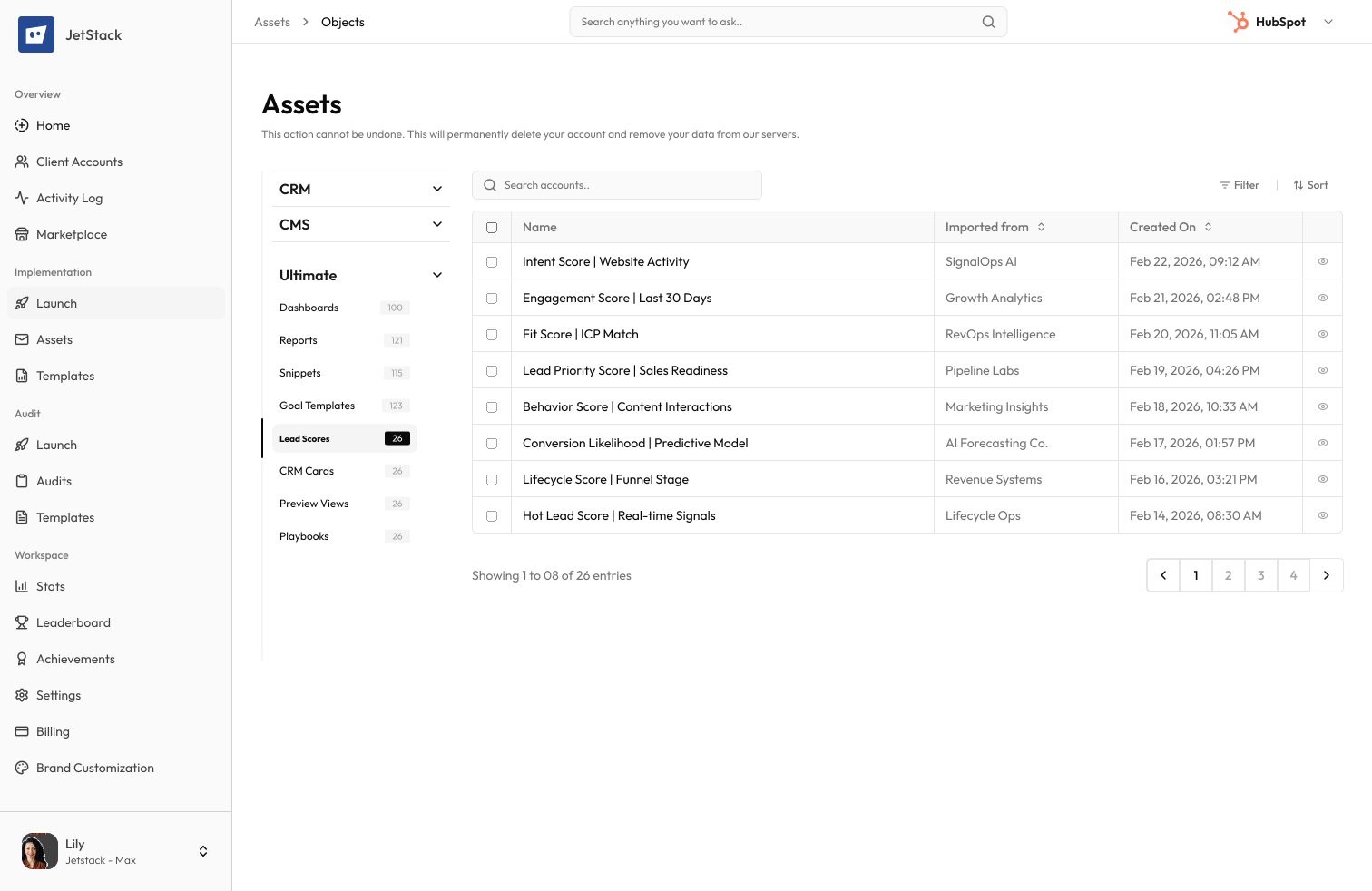
Scoring criteria. Point values. Negative scoring.
The challenge
Lead scoring models contain complex criteria — property-based rules, behavioral triggers, point values, and negative scoring conditions. Rebuilding them means re-entering every rule.
Dozens of rules to recreate
A mature lead scoring model has 30+ rules with specific criteria, point values, and decay settings. Each rule must be manually configured.
Property references
Scoring rules reference contact properties, form submissions, page views, and email interactions. All references must exist in the destination.
Negative scoring is complex
Negative scoring rules that deduct points for inactivity or disqualifying criteria are easy to misconfigure.
Threshold values matter
Score thresholds that trigger lifecycle stage changes or workflow enrollments must be carefully matched.
How JetStack AI migrates lead scores
JetStack AI transfers lead scoring models with all criteria, point values, negative scoring rules, and threshold configurations.
Complete criteria transfer
All scoring rules — positive and negative — are migrated with exact criteria, operators, and point values.
Property mapping
Property references in scoring rules are remapped to destination equivalents. Missing properties are flagged.
Threshold preservation
Score thresholds for MQL/SQL designation and workflow triggers are preserved.
Decay settings
Score decay configurations and time-based rules are transferred accurately.
The result
JetStack AI migrates your lead scoring so qualification continues without interruption.
How it works
Scan scoring models
JetStack AI reads all lead scoring configurations — positive rules, negative rules, point values, and thresholds.
Map references
Property, form, and page references in scoring rules are mapped to destination equivalents.
Create scoring rules
Scoring models are recreated with all rules, point values, and threshold configurations.
Verify and report
Scoring models are validated against source configurations. A report details every rule transferred.
The difference JetStack AI makes
Before JetStack AI, migrating lead scoring meant documenting every rule and manually recreating it. Point values were mistyped, negative rules were missed, and thresholds were misconfigured. With JetStack AI, your scoring model migrates perfectly.
Migrate your lead scoring without missing a single rule.
Ready to migrate your scoring?
Get startedFrequently asked questions
Are multiple scoring models supported?
Yes, all lead scoring models in the portal are migrated.
What about contact scores after migration?
Existing contact scores are not transferred. Contacts will be re-scored based on the migrated rules.
Are behavioral scoring rules included?
Yes — page views, email opens, form submissions, and other behavioral triggers are migrated.
Less busywork. More delivery, everywhere.
See how JetStack AI turns weeks of manual ops into minutes.
Book a demo now. No commitment, no sales pitch.