HubSpot Marketing Email Migration
Full template preservation. Personalization tokens. A/B variants included.
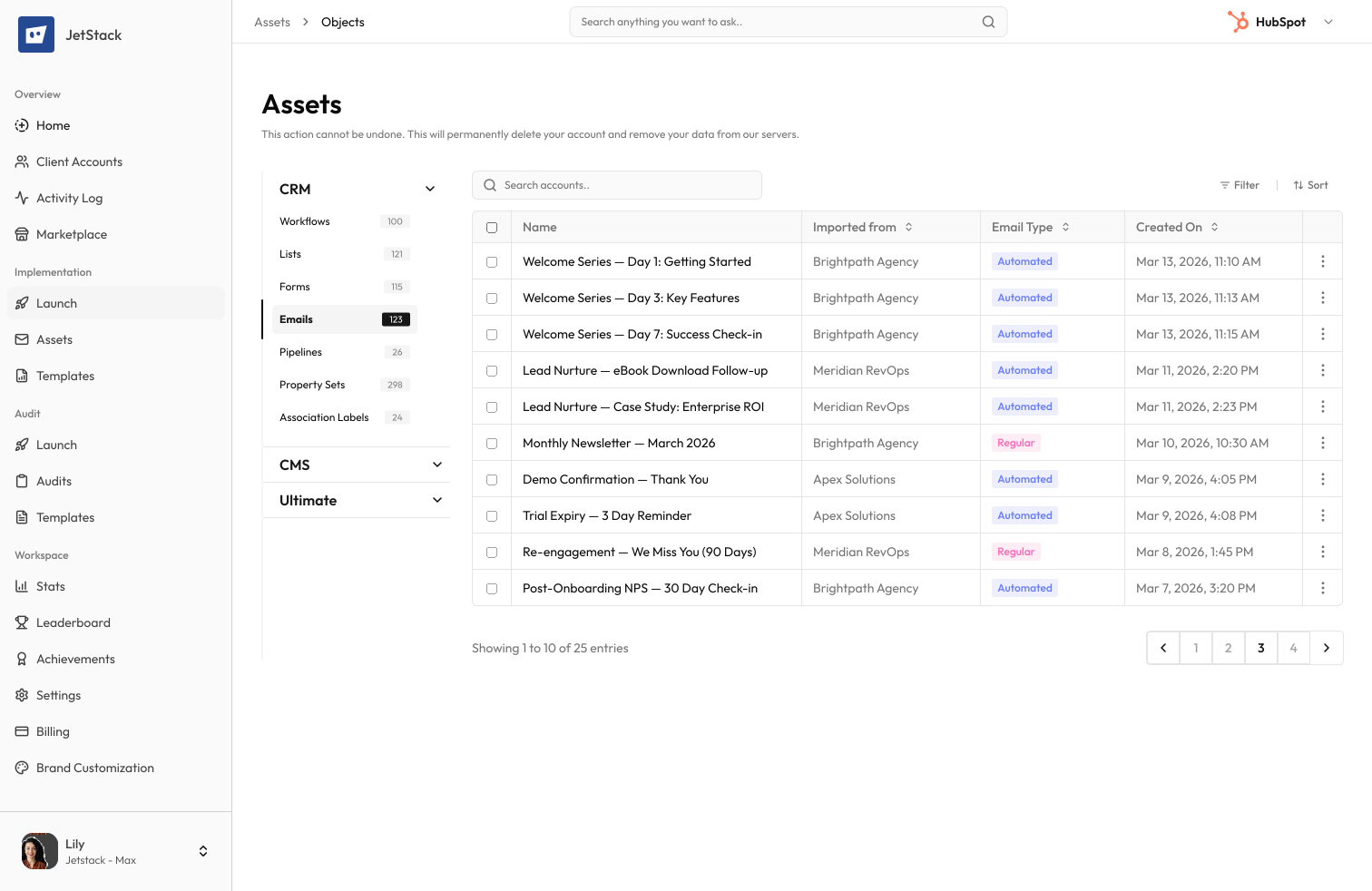
The challenge
Marketing emails in HubSpot contain complex layouts, personalization tokens, smart content, and A/B test variants. Rebuilding them in a new portal means losing design fidelity and testing history.
Hours per email to recreate
Each marketing email must be rebuilt — layout, images, copy, CTAs, personalization tokens, and smart content rules. Complex emails take 1–2 hours each.
Personalization breaks
Personalization tokens reference contact properties that may not exist in the destination. Smart content rules reference lists and properties that need remapping.
A/B variants lost
A/B test configurations, including variant content and winning criteria, are not transferable between portals through any native tool.
Send history disappears
Performance data, send history, and engagement metrics do not transfer — making it hard to understand what worked.
How JetStack AI migrates marketing emails
JetStack AI transfers marketing emails with full layout fidelity, personalization tokens, smart content rules, and A/B variant configurations.
Full layout preservation
Email HTML, modules, images, and styling are transferred exactly. Drag-and-drop layouts render identically in the destination.
Token remapping
Personalization tokens are automatically remapped to matching properties in the destination portal. Missing references are flagged.
Smart content transfer
Smart content rules, including list-based and property-based variations, are recreated with correct references.
A/B variant support
A/B test configurations are preserved — including variant content, distribution settings, and winning criteria.
The result
JetStack AI migrates your entire email library with full design and personalization fidelity.
How it works
Scan email library
JetStack AI reads all marketing emails — regular, automated, A/B, and RSS — including content, tokens, and smart rules.
Resolve references
Personalization tokens, smart content lists, and image URLs are mapped to destination equivalents. Missing references are flagged.
Create emails
Emails are created in the destination with full layout, content, tokens, smart rules, and A/B configurations preserved.
Verify rendering
Created emails are validated for token accuracy and layout integrity. A migration report details every email transferred.
The difference JetStack AI makes
Before JetStack AI, migrating 50 marketing emails took a week of manual rebuilding. Personalization tokens broke, smart content was lost, and A/B variants had to be recreated from scratch. With JetStack AI, the entire library migrates in minutes.
Migrate your marketing emails without losing a single token.
Ready to migrate your emails?
Get startedFrequently asked questions
Are automated emails included?
Yes — regular marketing emails, automated emails, A/B test emails, and RSS emails are all supported.
What about images in emails?
Image references are preserved. Images hosted in HubSpot file manager are referenced by URL and will display correctly.
Are email folders preserved?
Yes, folder structure and organization are recreated in the destination portal.
What about subscription types?
Subscription type references are flagged if they do not exist in the destination. You can map them during migration.
Less busywork. More delivery, everywhere.
See how JetStack AI turns weeks of manual ops into minutes.
Book a demo now. No commitment, no sales pitch.