HubSpot Page Migration
Website & landing pages. Full layout fidelity. SEO metadata preserved.
The challenge
HubSpot website pages and landing pages contain complex layouts, modules, forms, CTAs, smart content, and SEO settings. Rebuilding them manually means losing design fidelity and search rankings.
Hours per page to rebuild
Each page must be recreated — layout, modules, images, forms, CTAs, and smart content. Complex pages with custom modules take 2+ hours each.
SEO metadata lost
Meta titles, descriptions, canonical URLs, and structured data must be manually re-entered. Missing metadata impacts search rankings immediately.
Module references break
Pages reference custom modules, forms, CTAs, and HubDB tables. Moving pages without these dependencies creates broken layouts.
Smart content rules vanish
List-based and property-based smart content variations do not transfer. Each variation must be manually recreated.
How JetStack AI migrates pages
JetStack AI transfers website pages and landing pages with full layout fidelity, module content, SEO metadata, and smart content rules.
Full layout preservation
Page structure, modules, images, and styling are transferred exactly. Drag-and-drop layouts render identically in the destination.
SEO metadata transfer
Meta titles, descriptions, canonical URLs, featured images, and structured data are migrated automatically.
Module content transfer
Custom module content, rich text, images, and form references are preserved within each page.
Smart content support
Smart content rules and variations are recreated with correct list and property references.
The result
JetStack AI migrates your entire page library with full design and SEO fidelity.
How it works
Scan page library
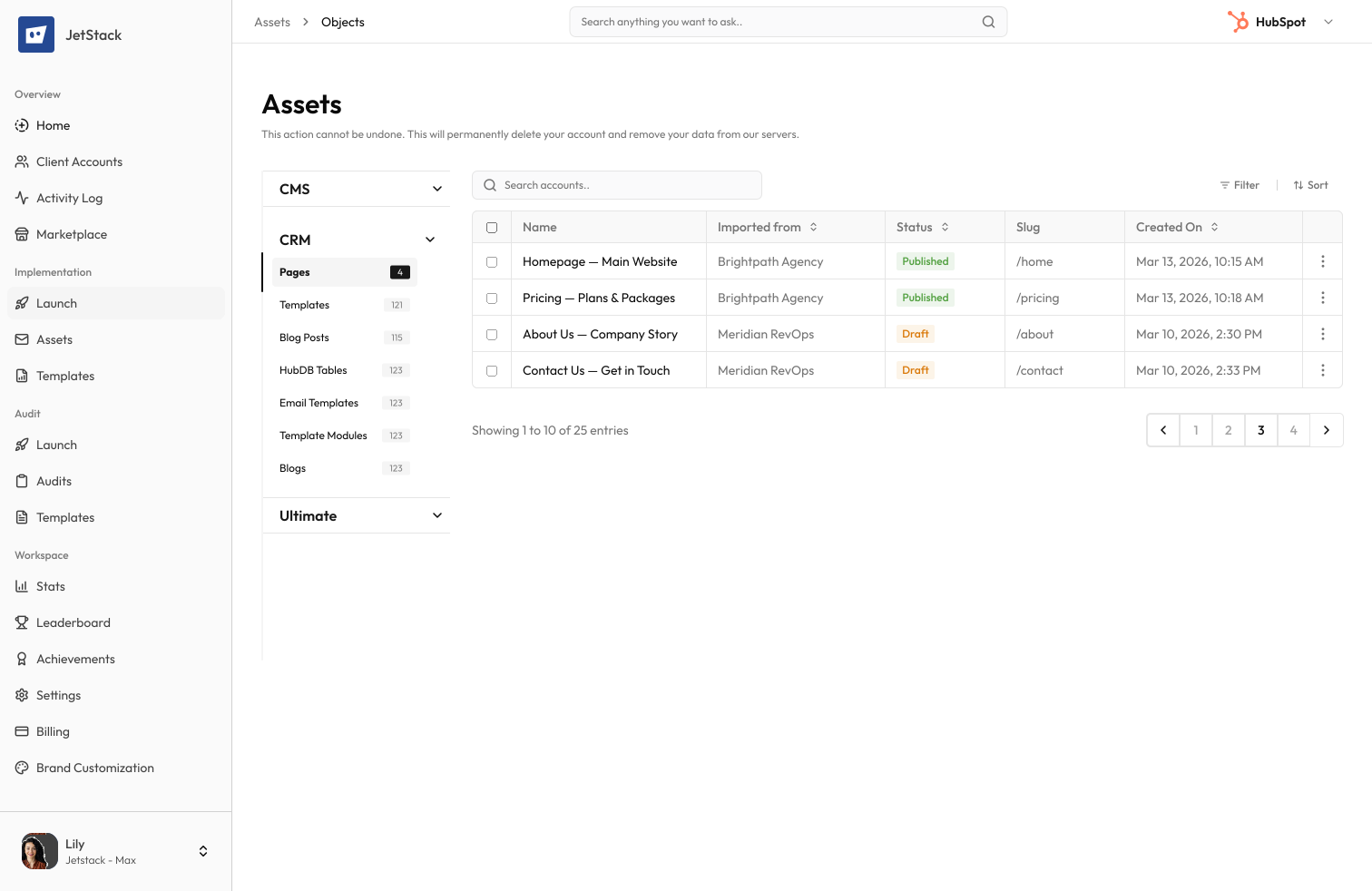
JetStack AI reads all website pages and landing pages — including content, modules, SEO settings, and smart rules.
Resolve dependencies
Module templates, forms, CTAs, and HubDB references are mapped to destination equivalents.
Create pages
Pages are created in the destination with full layout, content, SEO metadata, and smart content preserved.
Verify and report
Created pages are validated for content integrity and module rendering. A migration report details every page transferred.
The difference JetStack AI makes
Before JetStack AI, migrating 50 website pages took weeks of manual rebuilding. SEO metadata was frequently missed, smart content was lost, and page URLs had to be manually configured. With JetStack AI, every page migrates with full fidelity.
Migrate your pages without losing rankings or design.
Ready to migrate your pages?
Get startedFrequently asked questions
Are both website pages and landing pages supported?
Yes, both website pages and landing pages are migrated with the same fidelity.
What about page URLs?
URL slugs are preserved. You can optionally remap URLs during migration.
Are page folders preserved?
Yes, folder structure and organization are recreated in the destination portal.
What about scheduled pages?
Draft and scheduled pages are migrated as drafts. Publishing schedules can be reconfigured after migration.
Less busywork. More delivery, everywhere.
See how JetStack AI turns weeks of manual ops into minutes.
Book a demo now. No commitment, no sales pitch.