HubSpot Pipeline Migration
Stage preservation. Automation transfer. Deal probability mapping.
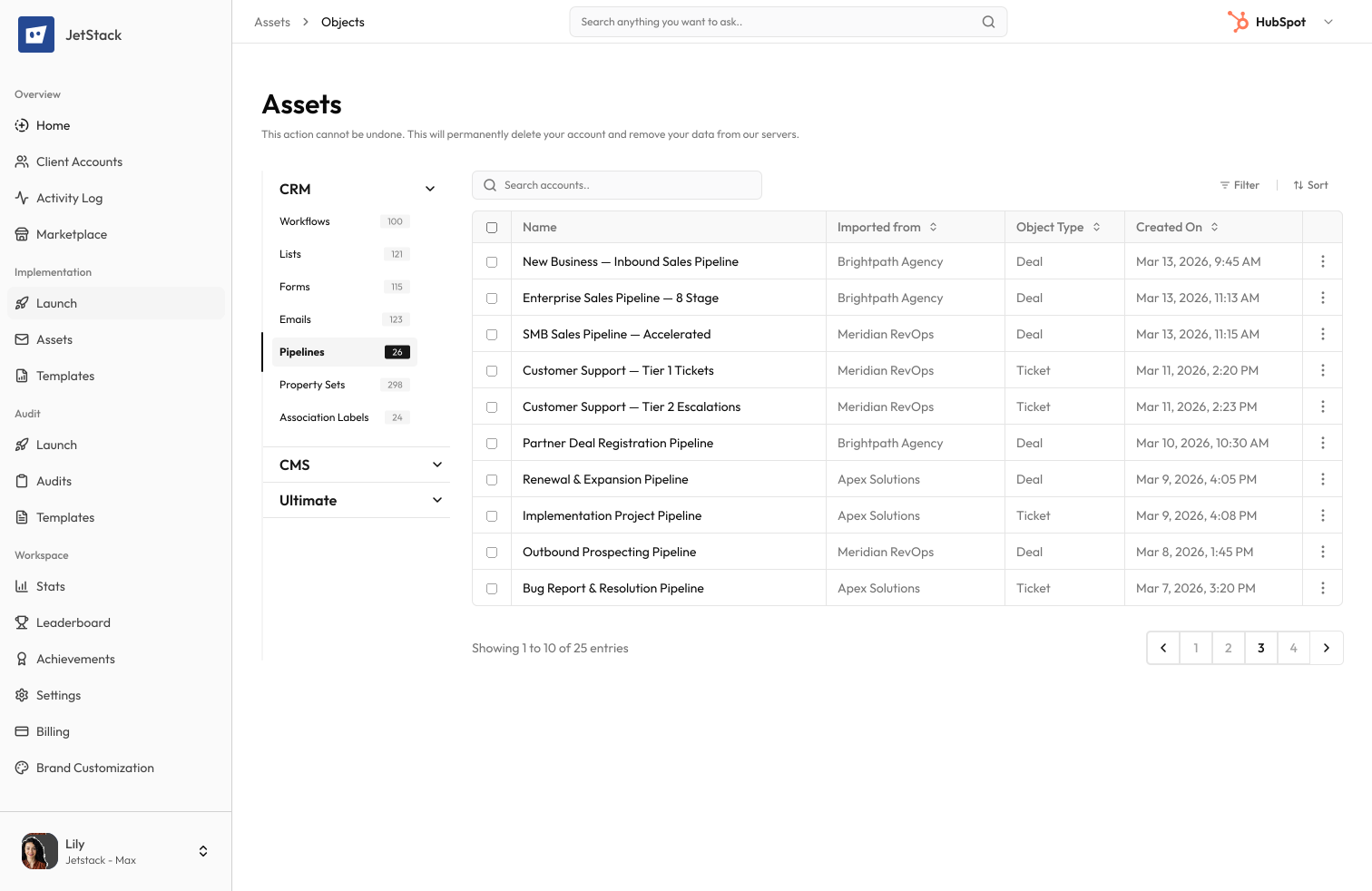
The challenge
HubSpot pipelines define deal and ticket progression. Migrating them means recreating stages, automation triggers, probability settings, and required properties — all of which must be configured precisely to maintain sales and service processes.
Stage configuration is detailed
Each pipeline stage has a name, display order, probability, required properties, and automation triggers. A 10-stage pipeline with automations takes an hour to recreate manually.
Stage automations are not portable
Workflow automations triggered by stage changes are separate objects that reference the pipeline. They must be identified, migrated, and reconnected individually.
Probability settings affect forecasting
Deal probability percentages per stage drive sales forecasting. Incorrect probability values in the destination silently corrupt forecast accuracy.
Required properties block progress
Stages with required properties prevent deals from moving forward if those properties do not exist in the destination. Missing required properties break the entire sales process.
How JetStack AI migrates pipelines
JetStack AI transfers pipelines with all stage configurations, probability settings, required properties, and associated automations.
Complete stage transfer
Every stage — name, display order, probability, and win/loss designation — is transferred exactly. Pipeline structure is preserved identically.
Automation reconnection
Workflows triggered by pipeline stages are identified and migrated together. Stage references are updated to point to the new pipeline.
Required property validation
Properties required at each stage are validated in the destination. Missing properties are flagged before pipeline migration.
Forecast preservation
Probability percentages, weighted amounts, and forecast category assignments are preserved exactly for accurate sales forecasting.
The result
JetStack AI migrates pipelines with complete stage configurations and connected automations.
How it works
Analyze pipelines
JetStack AI scans all deal and ticket pipelines — stages, probabilities, required properties, and automation triggers.
Validate dependencies
Required properties and automation workflows are checked in the destination. Missing dependencies are flagged.
Migrate with automations
Pipelines and their stage configurations are created. Associated workflows are migrated and reconnected to the new pipeline.
Verify forecasting
Post-migration validation confirms probability settings and forecast categories match the source configuration.
The difference JetStack AI makes
Before JetStack AI, migrating 5 deal pipelines with 50+ stages and stage-specific automations took 2 days. Probability settings were often misconfigured, corrupting forecasts. With JetStack AI, all pipelines migrate with exact stage configurations and connected automations.
Migrate pipelines with perfect forecast preservation.
Ready to migrate your pipelines?
Get startedFrequently asked questions
Are both deal and ticket pipelines supported?
Yes. Deal pipelines (with probabilities and forecast categories) and ticket pipelines (with SLA settings and status types) are both fully supported.
What about stage-specific automations?
Workflows triggered by stage entry, stage exit, or stage duration are identified and migrated with the pipeline. Stage references are updated automatically.
How are required properties handled?
Properties required at each stage are validated in the destination. Missing properties are flagged and can be created before pipeline migration.
Can I migrate multiple pipelines at once?
Yes. Select individual pipelines or migrate all pipelines in a single operation. Each pipeline is created with its complete stage configuration.
What about pipeline permissions?
Pipeline visibility and team-based access settings are migrated. Users and teams referenced in permissions are mapped to destination equivalents.
Less busywork. More delivery, everywhere.
See how JetStack AI turns weeks of manual ops into minutes.
Book a demo now. No commitment, no sales pitch.