HubSpot Report Migration
Custom report transfer. Filter logic preservation. Dashboard-ready output.
The challenge
HubSpot custom reports are built with complex data sources, filters, and visualizations. There is no export capability, so recreating reports means rebuilding every filter, grouping, and chart configuration from scratch.
Reports cannot be exported
HubSpot does not provide a way to export report definitions. Each custom report must be manually recreated in the destination with identical data sources, filters, and chart settings.
Filter configurations are complex
Reports with multiple filter groups, date ranges, and property-based filters require precise recreation. One wrong filter produces misleading data.
Property references differ between portals
Reports reference properties by internal name. When destination properties have different internal names, report filters silently produce empty or wrong results.
Dashboard arrangements are lost
Reports are positioned within dashboards with specific layouts. Dashboard compositions must be rebuilt alongside individual reports.
How JetStack AI migrates reports
Complete report transfer
Report definitions — data sources, filters, groupings, metrics, and chart types — are transferred exactly. Reports produce identical results in the destination.
Property mapping validation
Property references in report filters and dimensions are mapped and validated. Mismatches are flagged before migration.
Visualization preservation
Chart types, colors, axis configurations, and display settings are preserved. Reports look the same in the destination.
Dashboard composition
Reports are placed into destination dashboards with matching layouts. Dashboard-level filters and date ranges are preserved.
The result
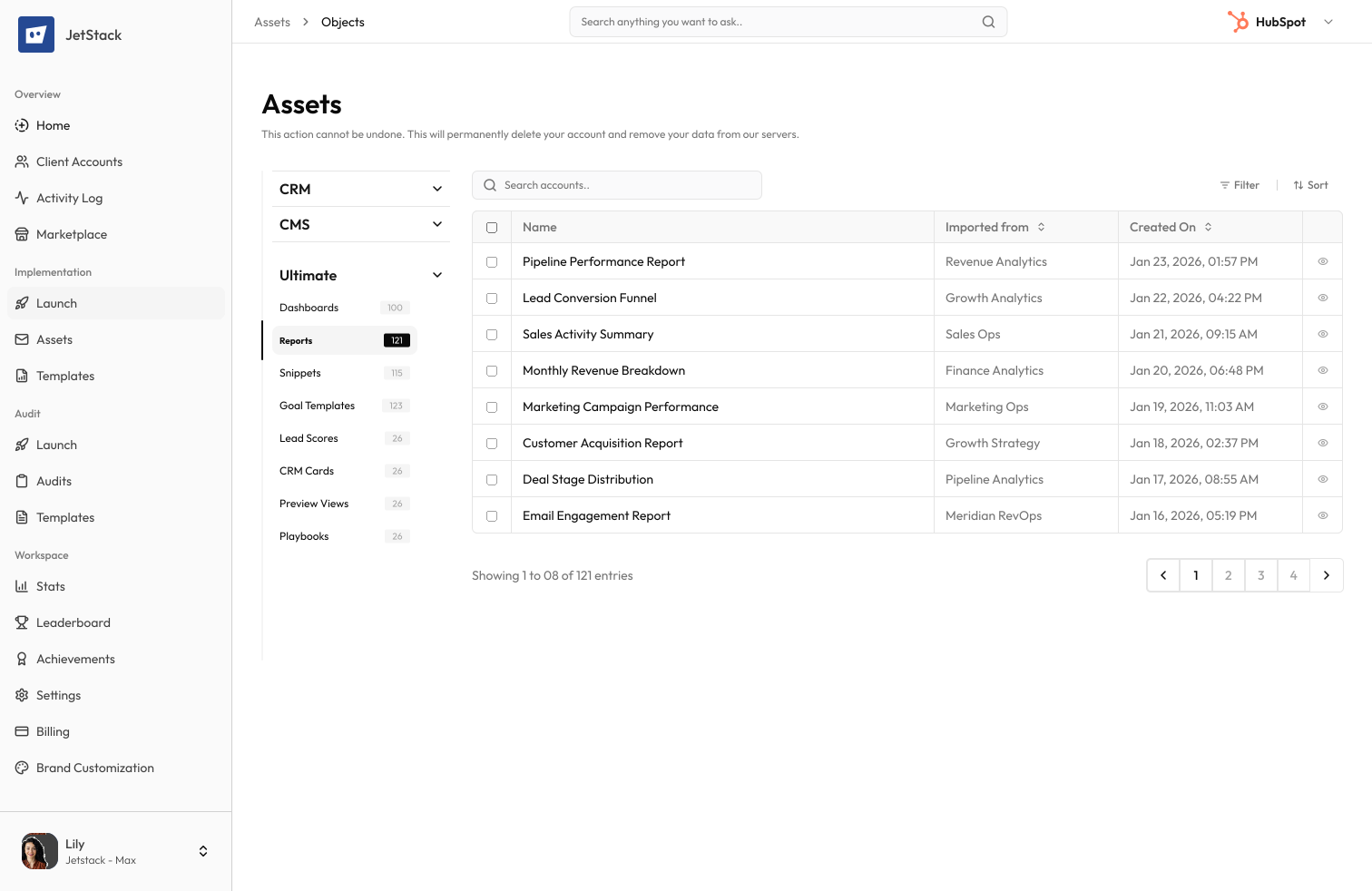
JetStack AI migrates reports with complete filter logic and dashboard-ready output.
How it works
Analyze reports
JetStack AI scans all custom reports — data sources, filters, dimensions, metrics, and dashboard placements.
Map properties
Property references in filters and dimensions are mapped to destination equivalents. Missing properties are flagged.
Migrate reports
Reports are created with complete definitions. Dashboard placements are configured to match source layouts.
Validate data
Reports are executed in both portals and results compared. Discrepancies are explained and flagged for review.
The difference JetStack AI makes
Before JetStack AI, migrating 40 custom reports with complex filters and dashboard placements took a full week. Property reference mismatches caused reports to show wrong data, discovered weeks later. With JetStack AI, all reports migrate with validated property mappings and matching dashboard layouts.
Migrate every report — filters and dashboards intact.
Ready to migrate your reports?
Get startedFrequently asked questions
Are all report types supported?
Yes — single-object, cross-object, funnel, and attribution reports. Custom report builder reports with complex data sources are fully supported.
What about report permissions?
Report visibility settings (everyone, specific teams, owner only) are migrated. Team references are mapped to destination equivalents.
How are dashboard layouts handled?
Dashboard layouts — report positions, sizes, and arrangements — are recreated in the destination. Dashboard-level filters and date ranges are also migrated.
Can I migrate reports without their dashboards?
Yes. Reports can be migrated individually or with their dashboard placements. You have full control over what is included.
What if report data differs between portals?
Report definitions are migrated, not data. Results will differ based on the data in each portal. Filter logic is validated to ensure equivalent behavior.
Less busywork. More delivery, everywhere.
See how JetStack AI turns weeks of manual ops into minutes.
Book a demo now. No commitment, no sales pitch.