HubSpot Snippet Migration
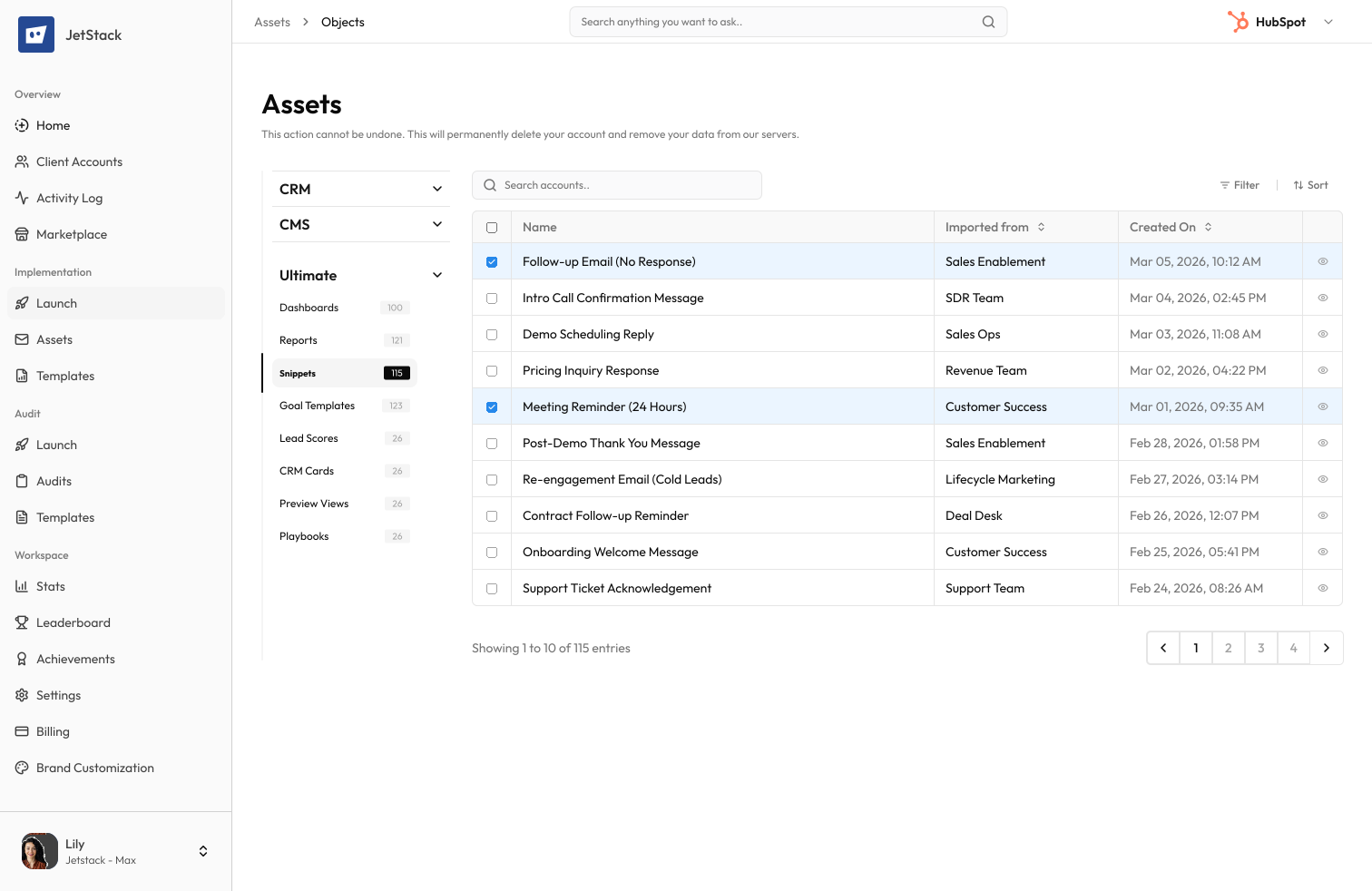
All snippet types. Shortcut keys preserved. Folder structure intact.
The challenge
Snippets are reusable text blocks used across emails, chat, and logging. A sales team with dozens of snippets loses productivity when they must be manually recreated in a new portal.
Tedious manual recreation
Each snippet must be recreated — name, body content, shortcut key, and folder assignment. Teams with 50+ snippets lose hours of setup time.
Rich text formatting
Snippets contain formatted text, links, and personalization tokens. Copy-pasting loses formatting and breaks token references.
Folder organization lost
Snippet folders must be recreated before snippets can be organized. Folder structure is lost without careful documentation.
Token references break
Snippets using personalization tokens reference properties that may not exist in the destination portal.
How JetStack AI migrates snippets
JetStack AI transfers all snippets with formatted content, personalization tokens, shortcut keys, and folder organization.
Content preservation
Snippet body content, rich text formatting, links, and embedded elements are transferred exactly.
Token remapping
Personalization tokens are remapped to matching properties in the destination. Missing references are flagged.
Folder structure
Snippet folders are recreated and snippets are organized into the correct folders.
Shortcut preservation
Snippet shortcut keys are preserved so teams can use the same shortcuts immediately.
The result
JetStack AI migrates your snippet library in seconds.
How it works
Scan snippets
JetStack AI reads all snippets — content, shortcuts, tokens, and folder assignments.
Resolve tokens
Personalization tokens are mapped to destination properties. Missing references are flagged for review.
Create snippets
Folders are created first, then snippets are created with full content and shortcut assignments.
Verify and report
Created snippets are validated for content accuracy. A report details every snippet transferred.
The difference JetStack AI makes
Before JetStack AI, migrating snippets meant copy-pasting each one individually and losing formatting. Token references broke and folder organization was lost. With JetStack AI, the entire library migrates in seconds.
Migrate your snippets without losing a single shortcut.
Ready to migrate your snippets?
Get startedFrequently asked questions
Are team-specific snippets supported?
Yes, snippets assigned to specific teams are migrated with their team assignments.
What about snippet permissions?
Snippet visibility settings (everyone vs. specific users) are preserved during migration.
Are snippet folders required?
No, snippets without folder assignments are migrated to the root level.
Less busywork. More delivery, everywhere.
See how JetStack AI turns weeks of manual ops into minutes.
Book a demo now. No commitment, no sales pitch.