HubSpot Template Module Migration
Reusable modules. Field groups preserved. CSS/JS intact.
The challenge
Template modules are the reusable building blocks of HubSpot pages and emails. Each module contains HTML, CSS, JavaScript, field definitions, and default content that must be perfectly recreated.
Complex code to transfer
Each module contains HTML/HubL templates, CSS, JavaScript, and JSON field definitions. Copying code between portals is error-prone.
Field definitions are intricate
Modules have typed fields with default values, help text, and grouping. Recreating field schemas manually is tedious and error-prone.
Module dependencies
Modules reference other modules, global content, and HubL functions. Missing dependencies cause rendering failures.
No export/import tool
HubSpot has no native module export tool. Modules must be recreated file by file through the design manager.
How JetStack AI migrates template modules
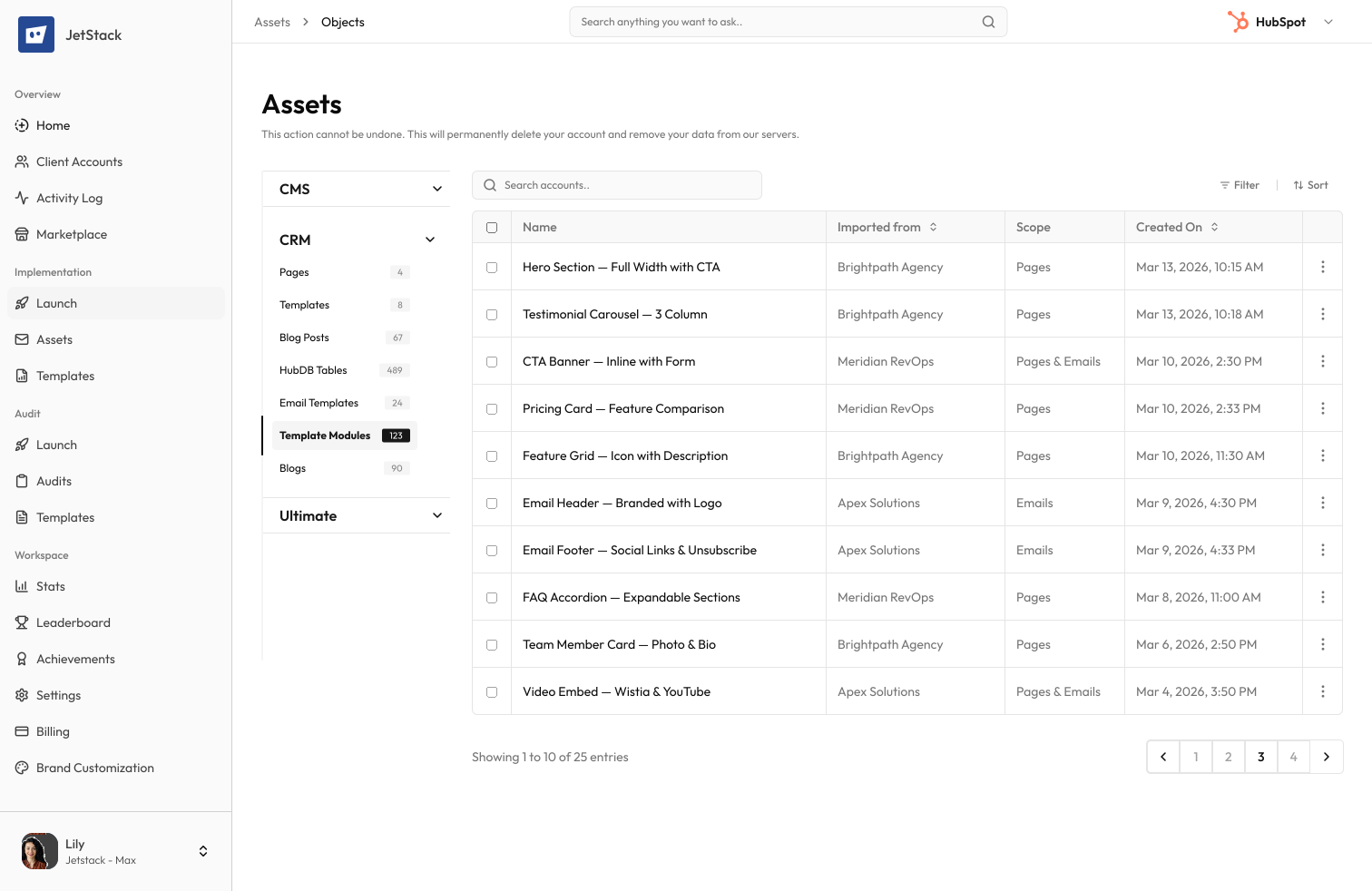
JetStack AI transfers reusable template modules with all code, field definitions, default content, and dependencies intact.
Complete code transfer
HTML/HubL templates, CSS stylesheets, and JavaScript files are migrated with exact formatting and logic.
Field schema preservation
All field definitions — types, defaults, help text, groups, and display conditions — are recreated exactly.
Dependency resolution
Module dependencies on other modules, partials, and global content are resolved and migrated in order.
Rendering validation
Migrated modules are validated to ensure they render correctly with their field defaults and content.
The result
JetStack AI migrates your module library with complete code and field fidelity.
How it works
Scan modules
JetStack AI reads all custom modules — code, fields, metadata, and dependencies.
Resolve dependencies
Module-to-module references and shared partials are mapped and ordered for migration.
Create modules
Modules are created in dependency order with all code, fields, and defaults preserved.
Verify rendering
Each module is validated for correct field schema and rendering. A report details every module transferred.
The difference JetStack AI makes
Before JetStack AI, migrating custom modules meant copying code file by file and recreating field schemas manually. Missing fields caused pages to break. With JetStack AI, all modules migrate with perfect code and field fidelity.
Migrate your module library in minutes.
Ready to migrate your modules?
Get startedFrequently asked questions
Are global modules included?
Yes, both local and global modules are migrated.
What about module CSS and JS?
All associated CSS and JavaScript files are transferred with the module.
Are field groups preserved?
Yes, field groups, ordering, and display conditions are all recreated.
What about module marketplace purchases?
Marketplace modules are not migrated (they must be purchased separately). Custom modules are fully supported.
Less busywork. More delivery, everywhere.
See how JetStack AI turns weeks of manual ops into minutes.
Book a demo now. No commitment, no sales pitch.