Asana Template Migration
Structure preservation. Custom field inclusion. Rule transfer.
The challenge
Asana project templates define reusable project structures with sections, tasks, custom fields, and rules. Templates are workspace-bound and cannot be shared across workspaces natively.
Templates cannot be exported
Asana does not provide template export. Recreating a template means building the project structure from scratch in the destination workspace.
Template rules are complex
Templates include automation rules that must be manually recreated. Rule trigger and action configurations are lost.
Custom fields must pre-exist
Templates reference custom fields that must exist in the destination workspace before the template can be functional.
Template drift between workspaces
Without migration tools, templates in different workspaces evolve independently. There is no way to synchronize template updates.
How JetStack AI migrates templates
Structure transfer
Template sections, tasks, subtasks, and their hierarchy are transferred with all placeholder content and instructions.
Custom field inclusion
Custom fields referenced by the template are created or mapped in the destination workspace.
Rule recreation
Template automation rules are captured and recreated with correct trigger and action configurations.
Validation
Migrated templates are validated — sections, tasks, fields, and rules are verified against the source template.
The result
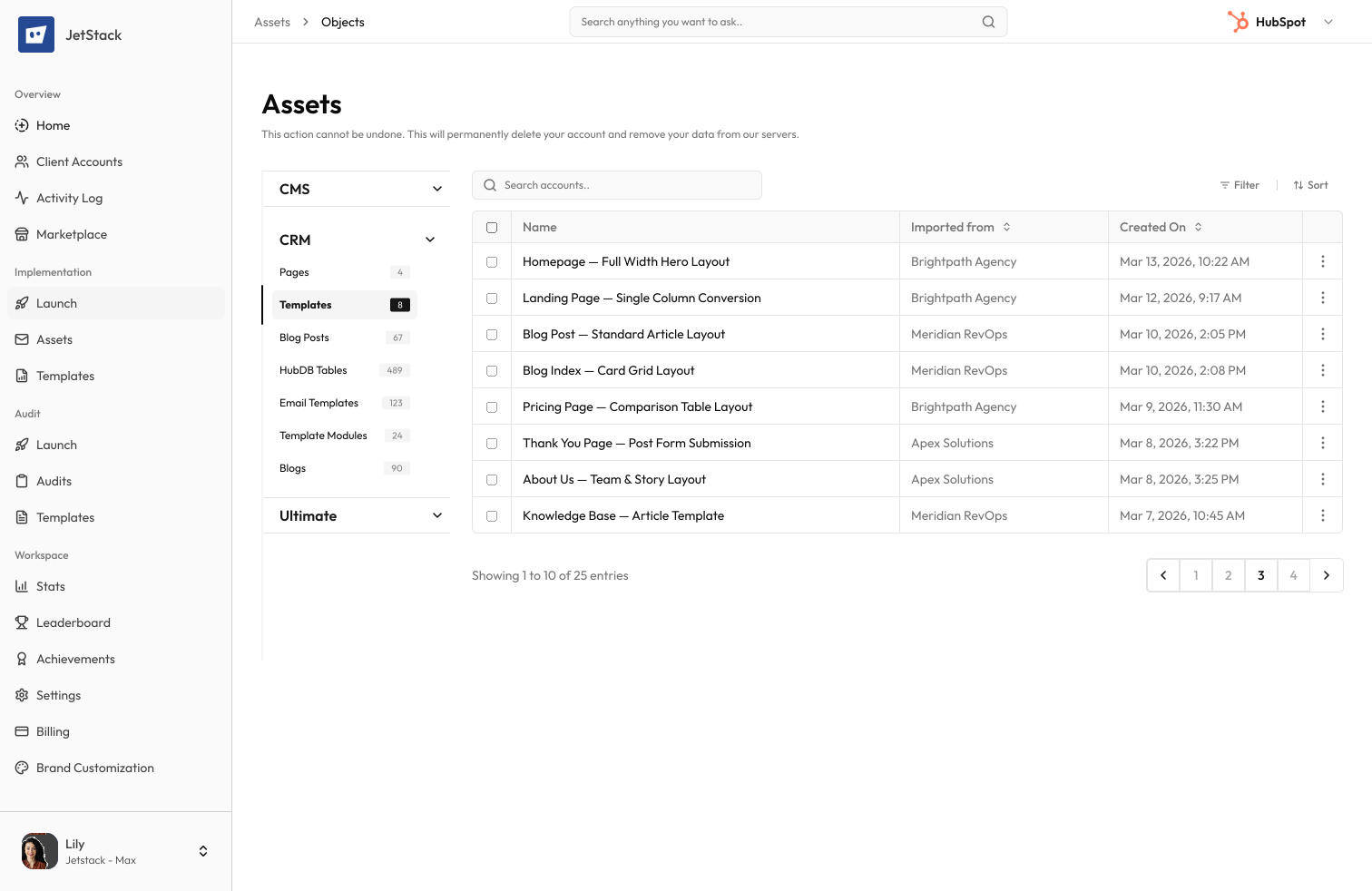
JetStack AI migrates Asana templates with complete structure, fields, and automation rules.
How it works
Analyze template
JetStack AI reads the template structure — sections, tasks, custom fields, and rules.
Prepare destination
Custom fields are created or mapped in the destination workspace.
Create template
The template is created with complete structure, task hierarchy, and field configurations.
Configure rules
Automation rules are recreated and tested in the destination template.
The difference JetStack AI makes
Before JetStack AI, sharing templates between Asana workspaces meant manually recreating every section, task, custom field, and rule. With JetStack AI, templates migrate with complete structure and automation in minutes.
Share templates across workspaces effortlessly.
Ready to migrate your templates?
Get startedFrequently asked questions
Are template task descriptions preserved?
Yes. Task descriptions, instructions, and placeholder content are all transferred to the destination template.
What about template rules?
Rules are captured and recreated. Triggers, conditions, and actions are configured to match the source template.
Can I migrate multiple templates at once?
Yes. Select individual templates or all templates in a workspace for batch migration.
How are due date offsets handled?
Template task due date offsets (days from project start) are preserved in the destination template.
Are template forms included?
Template intake forms with field mappings are migrated as part of the template package.
Less busywork. More delivery, everywhere.
See how JetStack AI turns weeks of manual ops into minutes.
Book a demo now. No commitment, no sales pitch.